
Download Visual Studio Community – IDE, programming, development, C++, Python, HTML5, JavaScript, C#, Visual Basic, F#, ASP.NET, Node.js, debugging, multiplatform, mobile app, cloud, web app, desktop app, free, tool, utility, productivity, software, SDK, emulator, extension
Overview
Visual Studio Community is a comprehensive integrated development environment (IDE) developed by Microsoft Corporation, designed to support developers across multiple programming languages and platforms. As a free tool, it offers full access to the core features found in the professional edition, making it an accessible solution for individual developers, students, and small teams of up to five members. The app enables the creation of diverse software projects, including desktop applications, web applications, cloud services, and mobile apps for iOS, Android, and Windows Phone. Its multiplatform capabilities are enhanced by built-in emulator support for Android, allowing developers to test applications in virtual environments without requiring physical devices.
The primary purpose of Visual Studio Community is to streamline the software development lifecycle by providing robust tools for coding, debugging, testing, and deployment. It addresses common challenges such as fragmented toolchains, inconsistent code formatting, and inefficient debugging workflows. By integrating language support, debugging tools, and development frameworks into a single environment, it reduces context switching and improves productivity. Real-world use cases include academic projects, open-source contributions, startup development, and freelance software creation. The app plays a critical role in the developer ecosystem by lowering the barrier to entry for high-quality software development while maintaining professional-grade functionality.
Key Features & Functionality
- Extensive Language Support: Visual Studio Community supports C++, Python, HTML5, JavaScript, C#, Visual Basic, and F#, enabling developers to work across different domains—from system-level programming to web and mobile development—within a unified interface.
- Integrated Development Tools: Built-in support for ASP.NET and Node.js frameworks includes project templates, dependency management, and server-side debugging, accelerating the development of dynamic web and backend services.
- Advanced Debugging Capabilities: Features such as breakpoints, step-through execution, variable inspection, and memory profiling help developers identify and resolve logic errors, runtime exceptions, and performance bottlenecks efficiently.
- Multiplatform Mobile Development: With emulator integration for Android and SDK support for iOS and Windows Phone, developers can build, test, and deploy mobile applications across platforms using a single IDE.
- Extension Ecosystem: The IDE supports over 1,500 extensions, allowing users to customize workflows, add language parsers, integrate CI/CD pipelines, and enhance code quality through linting and formatting tools.
For example, a student building a web-based portfolio can use HTML5 and JavaScript with ASP.NET support to create a responsive site, while a mobile developer can use the Android emulator to test an app before deployment. The combination of language versatility and tool integration makes it a powerful solution for both learning and professional development.
Interface, UX & Performance
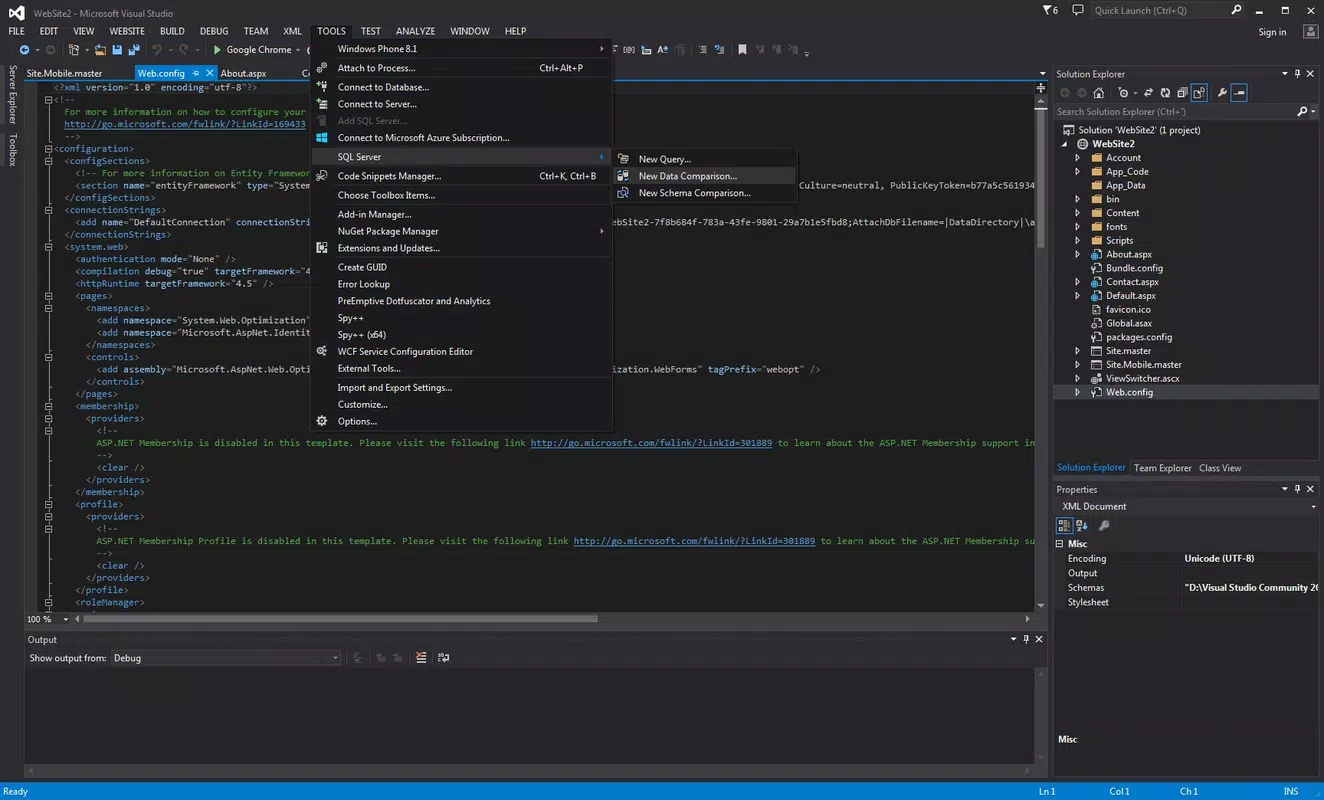
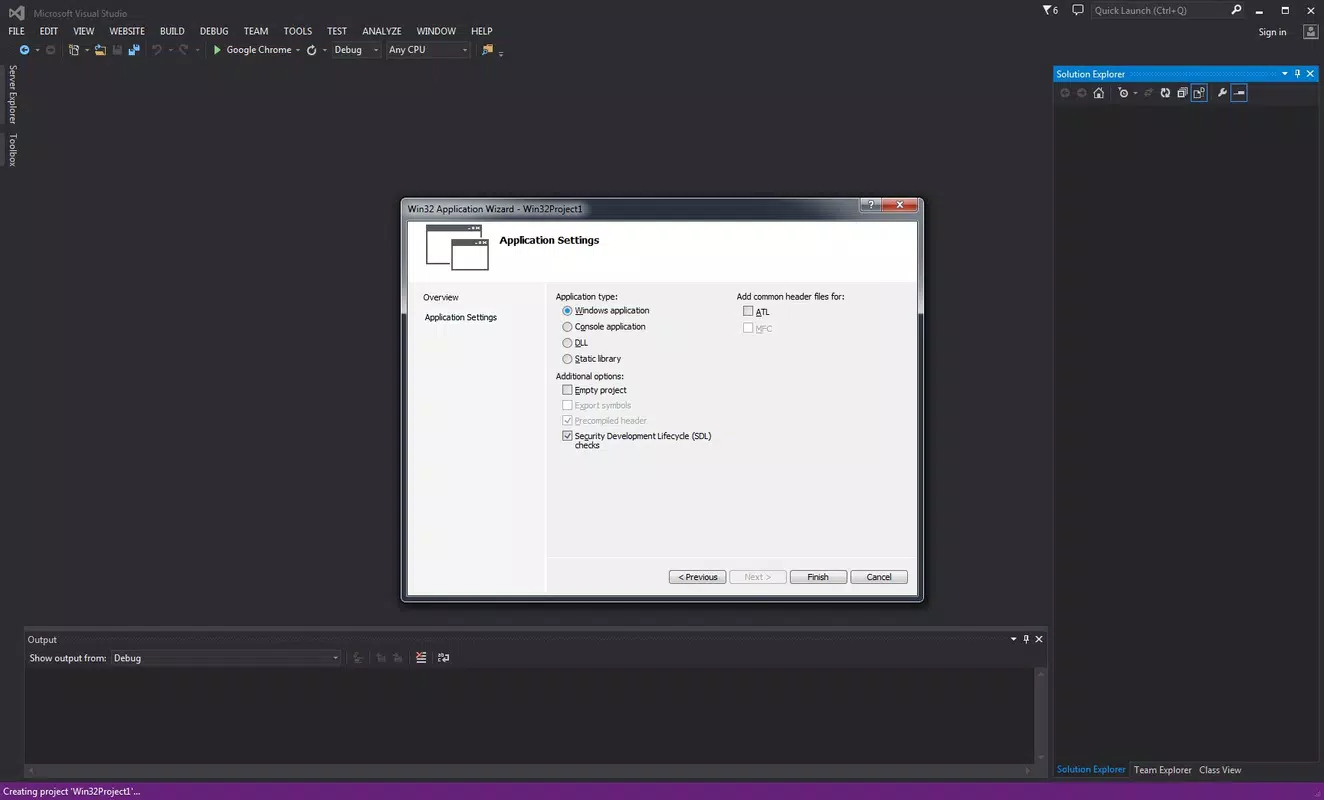
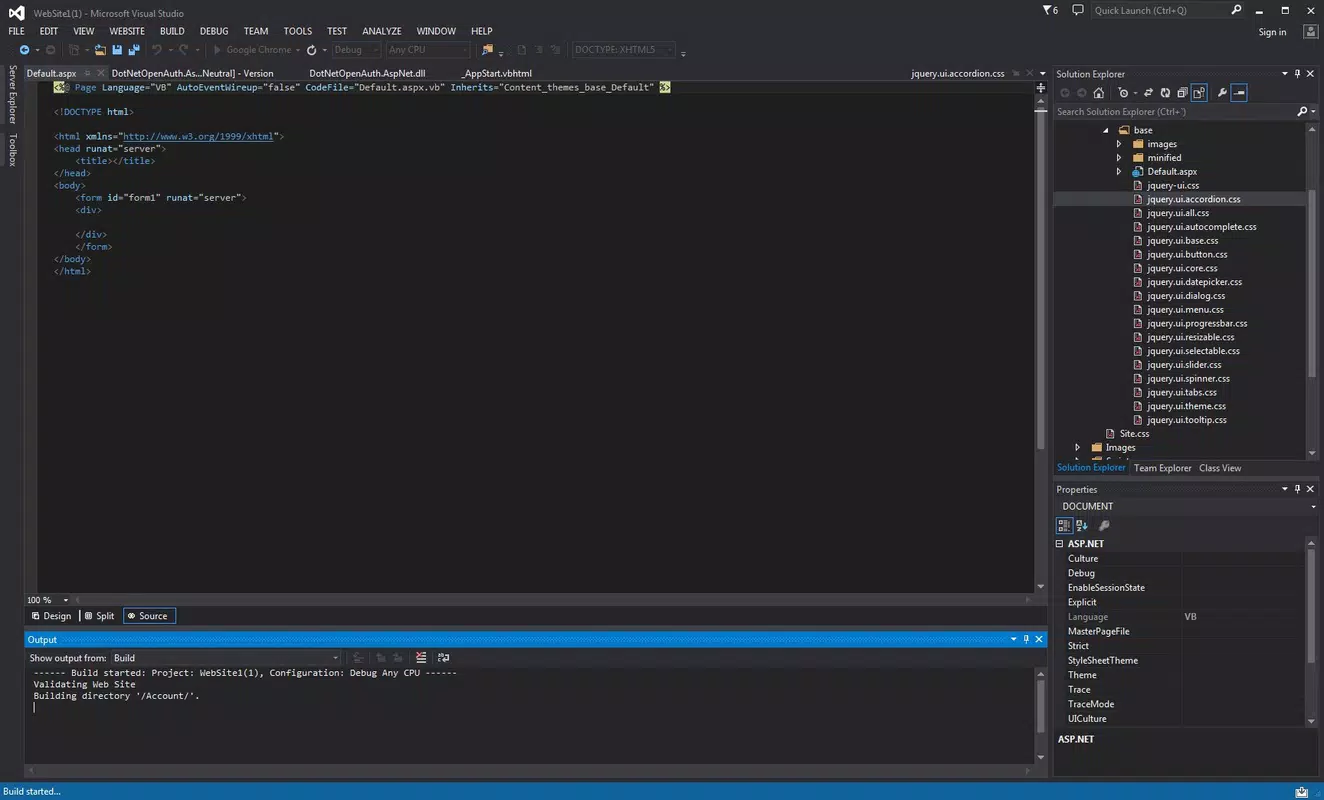
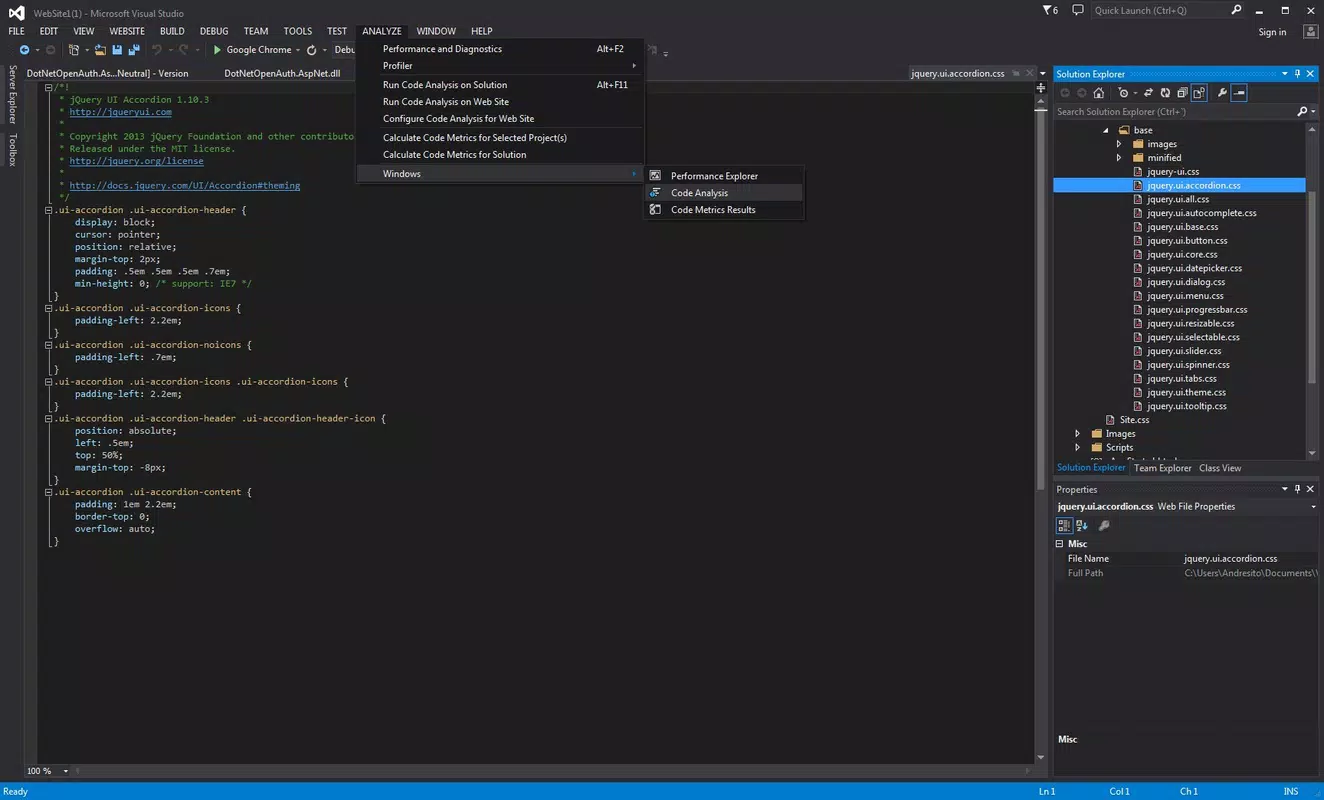
Visual Studio Community features a modular, customizable interface with a clean layout that organizes code editors, project explorers, tool windows, and debugging panels into a cohesive workspace. The visual style emphasizes functionality and readability, with syntax highlighting, code folding, and theme customization to reduce eye strain during long coding sessions. Navigation is intuitive, with keyboard shortcuts, tabbed editing, and a searchable command palette that accelerates common tasks.
Performance is optimized for modern Windows systems, though the app’s large file size (4.1 GB) indicates a resource-intensive installation. Although the developer did not list formal performance metrics, the IDE maintains responsiveness during typical development workflows such as compiling code, running tests, and debugging. Stability is generally strong in well-configured environments, though heavy use of extensions or large projects may impact startup time and memory usage. The app is designed to scale across device categories, from high-end desktops to mid-tier laptops, ensuring broad usability across development setups.
Platform Compatibility & Technical Requirements
Visual Studio Community is available exclusively for the Windows platform. It requires a compatible version of Windows, though specific minimum OS requirements were not listed. The application has a file size of 4.1 GB, which reflects its comprehensive feature set and bundled tools. The current software version is 17.11.7, released on April 4, 2024. While the developer did not specify exact hardware or system requirements, the size and nature of the IDE suggest a need for sufficient RAM, disk space, and a modern processor to ensure smooth operation.
Compatibility with other operating systems such as macOS or Linux is not supported through official channels. Developers seeking cross-platform development capabilities must rely on external tools or alternative IDEs for non-Windows environments. The app is designed to run on desktop and laptop systems rather than mobile devices, aligning with its role as a full-featured development environment.
Pros and Cons
Pros
- Free access to professional-grade development tools and features
- Supports a wide range of programming languages and frameworks
- Robust debugging and testing capabilities for reliable code quality
- Extensive extension library for customization and workflow enhancement
- Official emulator for Android and SDK integration for mobile platforms
Cons
- Only available for Windows, limiting cross-platform accessibility
- Large file size (4.1 GB) may be challenging for low-storage devices
- Performance may degrade with heavy extension use or large projects
- License restrictions apply to teams exceeding five members
- Not suitable for mobile device-based development workflows
FAQ
Is Visual Studio Community free to use?
Yes, Visual Studio Community is completely free for individual developers, students, and small teams of up to five members. It includes all core features of the professional edition.
Can I use Visual Studio Community for commercial projects?
Yes, the tool can be used for both free and for-profit projects, provided the development team does not exceed five members. Larger teams must use a paid version.
Is there an Android emulator included?
Yes, Visual Studio Community includes an Android emulator for testing mobile applications without requiring physical devices.
What programming languages does it support?
It supports C++, Python, HTML5, JavaScript, C#, Visual Basic, and F#, among others, with full tooling and syntax support.
Can I install extensions in Visual Studio Community?
Yes, the IDE supports over 1,500 extensions that enhance functionality, including code formatters, linters, version control integrations, and language-specific tools.
Final Thoughts
Visual Studio Community stands out as a powerful, feature-rich IDE that delivers professional-grade capabilities at no cost. Its comprehensive language support, integrated debugging tools, and robust mobile development features make it ideal for students, hobbyists, and small development teams. While its Windows-only availability and large footprint may limit accessibility for some users, its value proposition remains strong for those working within the Microsoft ecosystem. The inclusion of emulators, SDKs, and a vast extension library ensures long-term usability and adaptability across evolving project needs. For developers seeking a secure, reliable, and productive environment to build desktop, web, and mobile applications, Visual Studio Community is an essential tool.
Download Visual Studio Community now


